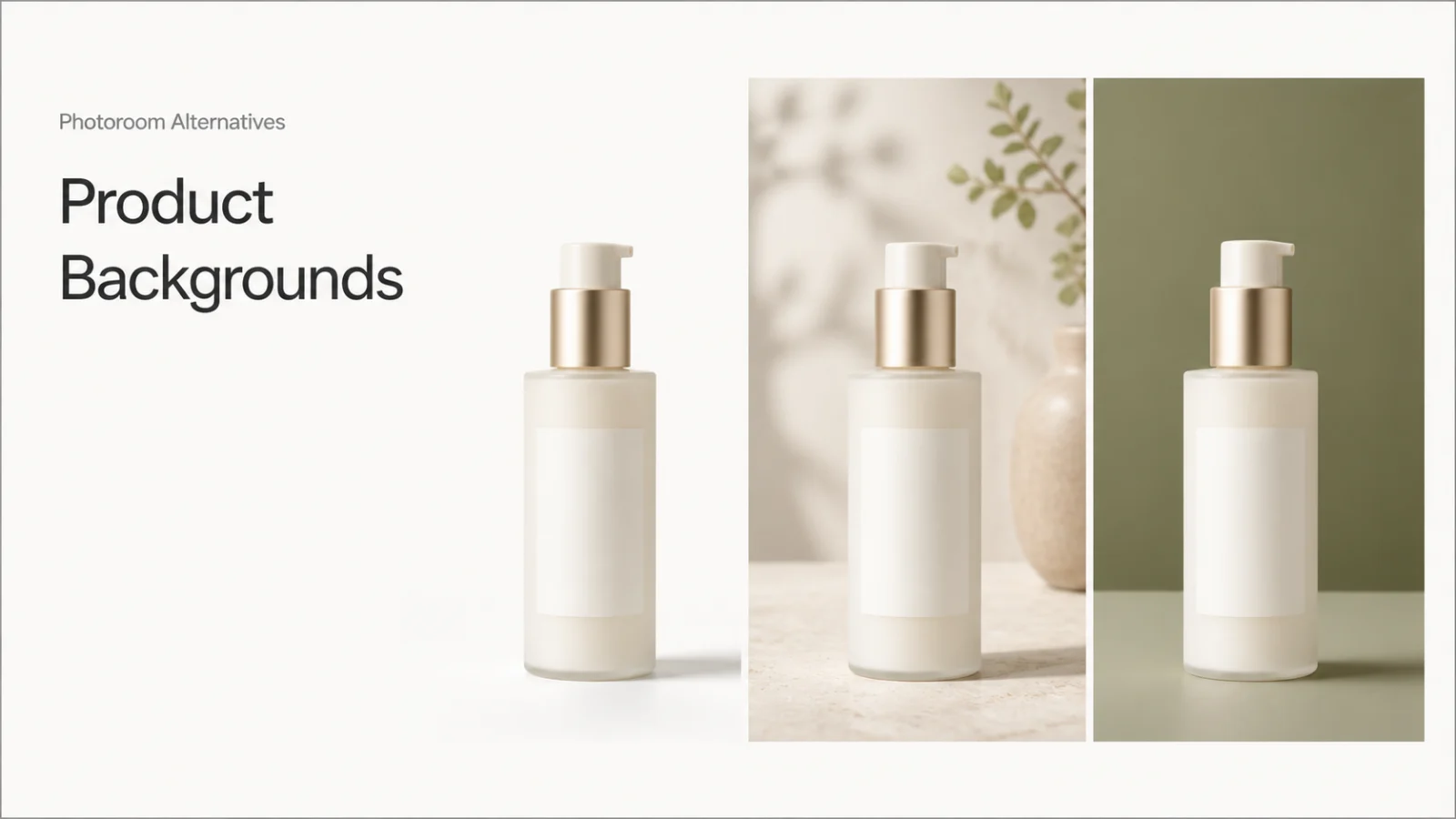
Photoroom alternatives become useful when your background job is more specific than “make this product look better.” You may need a transparent cutout, a marketplace-safe white image, a generated lifestyle scene, or the same branded background across hundreds of SKUs.
The strongest alternatives for product-background work are:
- Banana AI for reference-led background edits and broader prompt iteration.
- Adobe Firefly for background concepts inside a wider creative studio.
- Claid for product-focused scenes, high-resolution output, and API workflows.
- Pebblely for fast lifestyle backgrounds and template-led variations.
- Pixelcut for product scenes, multiple variations, and batch editing.
- remove.bg for clean cutouts, transparent PNGs, and simple white backgrounds.
This list is not an overall ranking. It separates background removal, scene generation, and production scale so you can choose an alternative that matches the next asset you actually need.
Best Photoroom alternatives at a glance
Photoroom still has a clear advantage when a team wants background removal, AI backgrounds, templates, batch operations, and product-photo features in one catalog-oriented surface. Its current plans separate core tools from credit-based AI features, list export limits up to 2K, and treat API or MCP usage separately. Choose an alternative for a specific control or handoff.
| Alternative | Best fit | Useful controls | Output or scale signal | Main tradeoff |
|---|---|---|---|---|
| Banana AI | Reference-led product edits | Prompts, reference images, image-to-image direction | Browser workspace with Nano Banana image editing | Review product identity after each generation |
| Adobe Firefly | Broader creative direction | Image generation and editing beside video and audio tools | 30+ AI models in one creative studio | Less catalog-specific than a product-photo system |
| Claid | Product-safe scenes and API work | AI backgrounds, removal, brand colors, photoshoot modes | Native 4K and web/API paths | Plan credits and automation before batching |
| Pebblely | Fast lifestyle backgrounds | 100+ templates, custom prompts, similar or varied backgrounds | Bulk generation and image-based plan tiers | Less local control for precise repairs |
| Pixelcut | Scene variations and seller workflows | Studio or lifestyle scenes, angle, background, custom prompt | Up to 4K, variations, bulk tools, and API | Advanced operations use plan-controlled credits |
| remove.bg | Cutouts and white-background images | Automatic removal, white backgrounds, transparent PNG | Bulk processing and workflow integrations | Not a full art-direction workspace |
How to evaluate a product-background alternative
The first generated image can hide the cost of a poor workflow. Compare each candidate on five checks:
- Cutout quality: Are hair-like edges, transparent packaging, handles, and soft shadows clean?
- Background mode: Can you produce transparency, a flat color, a studio setup, and a lifestyle scene?
- Product identity: Do the label area, silhouette, material, proportions, and color stay accurate?
- Revision cost: Can you change only the background without rebuilding the product or scene?
- Output readiness: Can you get the aspect ratio, resolution, format, and volume your sales channel requires?
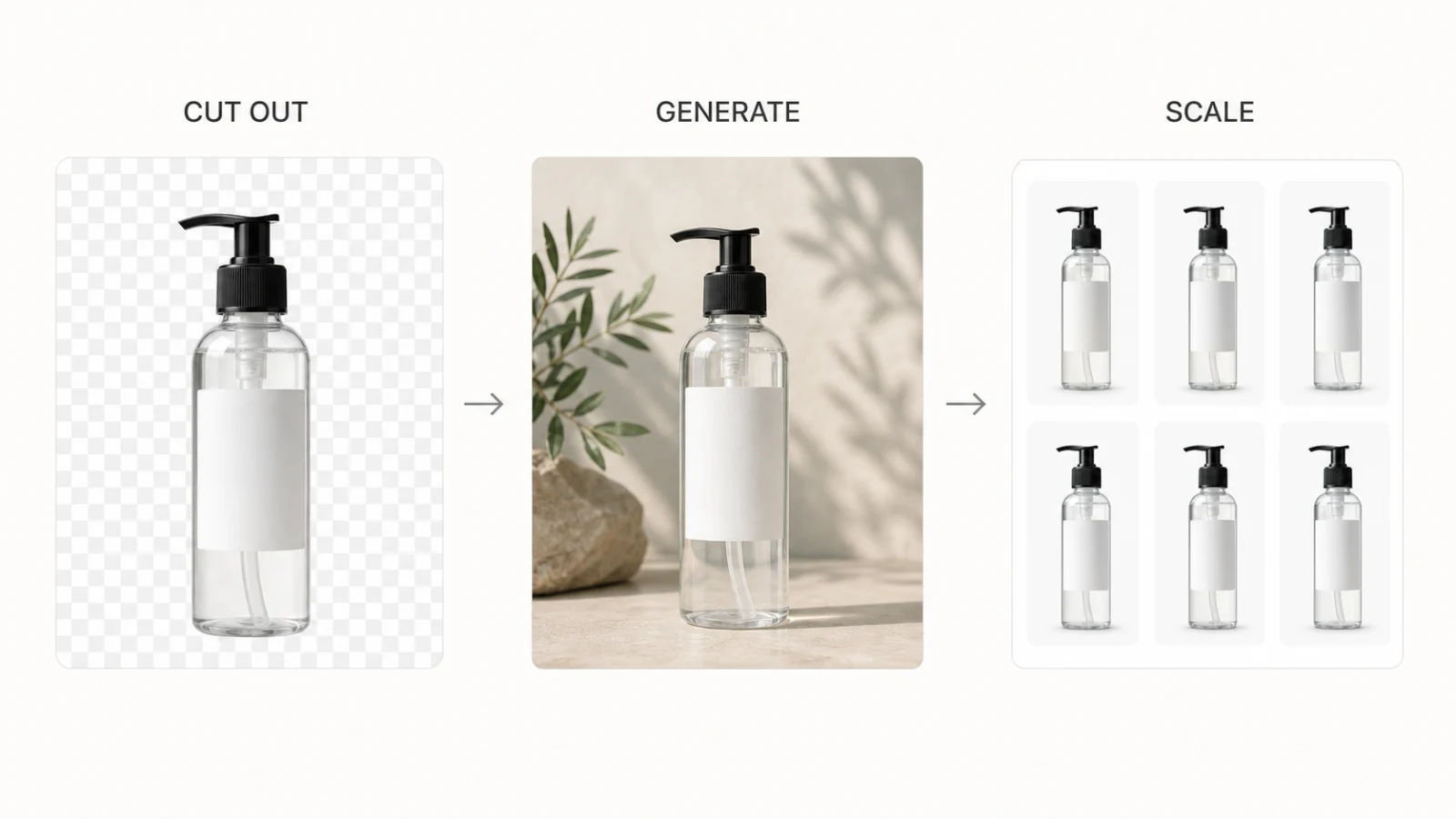
Use a source image with a visible label, reflective material, a hard edge, and a natural shadow. A plain, unmarked box is too forgiving. The difficult sample shows whether the alternative reduces review work.
1. Banana AI: Best for reference-led background edits
Banana AI fits when the background is one part of a larger image edit. Its current image editor accepts text prompts and reference images, and its product surface describes background replacement, object changes, lighting adjustments, and styling refinements that keep useful parts of the source image in place. The image-to-image path is useful when the product, mockup, or composition should remain recognizable while the scene changes.
Banana AI suits product teams that need several directions from one reference, such as a white listing image, a soft editorial setup, or a campaign concept. Start with the Banana AI image generator when the source photo is close and the brief needs controlled iteration.
Banana AI is a prompt and model workspace, not a dedicated catalog queue. It does not replace a specialist remover or batch system for thousands of images with identical rules. Review small label text, transparent surfaces, and edge geometry on every approved variant.
2. Adobe Firefly: Best for broader creative direction
Adobe Firefly fits when product backgrounds sit inside a larger campaign process. Its current creative studio brings image, video, and audio generation together with more than 30 AI models. That breadth helps a team explore several visual directions and carry a strong still concept into other campaign assets.
Firefly is less specialized than a product-photo system. A focused remover or product-photo API is easier to evaluate for 800 SKUs with fixed crops. Firefly makes more sense when a launch needs several visual worlds and follow-on campaign assets.
Use Firefly for art direction and mixed-format exploration. Keep a separate approval check for exact product geometry, channel crops, and repeatability across a catalog.
3. Claid: Best for product-safe scenes and API workflows
Claid is built around product photography rather than general-purpose image making. Its current pages cover AI Photoshoot, generated backgrounds, removal, shadows, light correction, smart framing, and image APIs. Claid also presents native 4K output and emphasizes preserving product details, labels, logos, and shapes while changing the scene.
Use Claid when a brand team needs approved colors, realistic lighting, grounding shadows, repeatable product scenes, or an API path.
Web and API work still needs credit, queue, and failure planning. Test reflective packaging and unusual shapes before treating product-detail preservation as a production guarantee.
4. Pebblely: Best for fast lifestyle backgrounds
Pebblely turns one product image into marketplace photos, social content, website imagery, email banners, and ad concepts. Its current surface offers more than 100 templates, custom prompts, and bulk generation with similar or varied backgrounds. It suits a small catalog that needs multiple scenes without a formal art-direction system.
Pebblely works well when speed and visual variety matter more than precise local masking. Start with a template, change the prompt, and create several contexts for one product. Its pricing uses image-based monthly tiers, so compare approved outputs rather than raw generations.
Use a second pass to test labels, reflections, and scale. If a small background change also alters the product, the time saved on the first draft may disappear during review.
5. Pixelcut: Best for product-scene variations and batch edits
Pixelcut's Product Studio starts from one product photo, lets you choose a studio or lifestyle scene, and supports custom instructions for angle and background. Its current page describes multiple variations, resolutions up to 4K, bulk editing, and an API for connecting image work to a store or application.
Pixelcut suits sellers who want product backgrounds and related listing assets in one workspace, especially when one source needs several outputs. Its product surface is designed to keep the uploaded product fixed, but check the label and silhouette on a real SKU batch.
Advanced operations and partner models use plan-controlled credits. Record the model, resolution, variations, and batch size so a successful sample does not hide the next revision cost.
6. remove.bg: Best for clean cutouts and simple white backgrounds
remove.bg is the specialist choice when the job starts with extraction. Its current page removes backgrounds, creates transparent PNGs, supports white ecommerce backgrounds, and offers an AI background generator. It also lists bulk editing, integrations, and API access.
Use remove.bg for a clean cutout pipeline, a white-background marketplace asset, or a handoff into another editor. It is less suited to detailed art direction, multiple references, and complex campaign scenes.
Choose by product-background job
| Product-background job | Start with | Why it fits | Review before approval |
|---|---|---|---|
| Transparent cutout or PNG | remove.bg | Extraction, transparent output, bulk processing | Edge halos, handles, hair-like details, shadow choice |
| White marketplace image | remove.bg or Claid | Clean removal or product-focused scene control | Crop, background tone, product scale, compliance rules |
| Lifestyle scene from one source photo | Pebblely or Pixelcut | Templates, prompts, scene formats, and variations | Label fidelity, scale, lighting, grounding shadow |
| Brand-approved scenes across many SKUs | Claid | Product photography focus, colors, high-resolution output, API path | Repeatability, queue limits, credits, metadata |
| Background plus object or lighting changes | Banana AI | Reference-led editing and prompt-driven local changes | Product identity after the second edit |
| Background concepts inside a campaign | Adobe Firefly | Wider image, video, and audio creative exploration | Exact geometry, final crop, production handoff |
Choose based on the handoff after the background change. A clean PNG suits a designer's finishing pass. A generated lifestyle scene suits a product page or ad test. A catalog API matters when the team can review failures and reproduce approved settings.
How to test before you replace Photoroom
Run one production-shaped test before comparing subscriptions:
- Choose one product with a visible label, reflective material, clear edges, and a natural shadow.
- Request four outputs from each candidate: transparent cutout, neutral white image, lifestyle scene, and one channel-specific crop.
- Record the source image, prompt, model or mode, aspect ratio, resolution, format, generation time, credits, and plan limits.
- Make one local revision. Change only the background color or prop while instructing the system to keep the product unchanged.
- Inspect the assets at their real marketplace, store, or ad size. Gallery previews hide small text and edge errors.
- Count approved outputs, rejected outputs, manual cleanup minutes, and the cost of the next revision.
Choose the system that produces the most approved assets with the least repair work. A cheaper first generation costs more when every background change creates a new label or shadow problem. Check Banana AI pricing after you count the revisions your team makes.
FAQ
What is the best Photoroom alternative for background removal?
Start with remove.bg when you need a transparent cutout, white background, or a high-volume extraction step. Choose Claid or Pixelcut when the output also needs a product scene, shadow, or broader product-photo treatment.
Which alternative is best for AI-generated product backgrounds?
Pebblely is a straightforward choice for template-led lifestyle variations. Pixelcut adds scene formats, angle control, variations, and batch operations. Claid is the stronger candidate when product photography, brand colors, high-resolution output, or an API path matters.
Can Banana AI replace Photoroom?
Banana AI can replace the background-editing part of the workflow when you want reference-guided changes, prompt control, and several creative directions. It is not a one-to-one replacement for a catalog system if your main requirement is automatic removal, fixed batch rules, or a large SKU queue.
What should I test first when switching tools?
Test a product with a label, a reflective surface, a hard edge, and a natural shadow. Request a transparent cutout, a white listing image, a lifestyle scene, and one revision that changes only the background. The second pass tells you more about production cost than the first preview.
For a broader comparison of product-photo workflows, read the ecommerce product photo comparison. It compares a flexible image workspace, a catalog-focused system, and a broader creative editor by identity, staging, control, and revision cost.